
How to Use Xtream Codes API for IPTV Smarters Pro and Live TV Streaming
Ready to explore live TV streaming? Xtream Codes API and IPTV Smarters Pro are your keys. They bring your favorite shows to your screen. We’ll show you how to use Xtream Codes API with IPTV Smarters Pro for a great streaming experience.
Xtream Codes API connects your content to IPTV Smarters Pro. It’s the magic that lets you watch many live TV channels. By the end of this guide, you’ll be streaming live TV in no time!
Key Takeaways
- Xtream Codes API enhances IPTV Smarters Pro functionality
- Easy setup process for live TV streaming
- Wide range of channels accessible through integration
- Improved streaming experience with proper configuration
- Compatibility with various devices for on-the-go viewing
Understanding IPTV Smarters Pro Platform Basics
IPTV Smarters Pro is a powerful platform for streaming live TV and on-demand content. Let’s explore its key features, system requirements, and installation process to help you get started.
Key Features and Capabilities
IPTV Smarters Pro has a user-friendly interface. It makes it easy to navigate through channels and content. You can enjoy live TV, catch-up TV, and video-on-demand services all in one place.
The app supports multiple user profiles. This means each family member can have their own personalized experience.
System Requirements and Compatibility
To run IPTV Smarters Pro smoothly, your device needs to meet certain system requirements. The app is compatible with various platforms, including Android, iOS, FireTV, and Smart TVs. For optimal performance, ensure your device has:
- Android 5.0 or higher / iOS 9.0 or later
- At least 2GB of RAM
- Stable internet connection (minimum 5 Mbps)
Installation Process Overview
The installation guide for IPTV Smarters Pro is straightforward. Here’s a quick overview:
- Visit your device’s app store (Google Play Store, App Store, or Amazon Appstore)
- Search for “IPTV Smarters Pro”
- Click “Install” and wait for the download to complete
- Open the app and follow the on-screen instructions to set up your account
With these basics covered, you’re ready to dive into the world of IPTV streaming. The next section will guide you through integrating Xtream Codes API with your IPTV Smarters Pro app.
Getting Started with Xtream Codes Integration
Are you ready to start with Xtream Codes integration? We’ll guide you through each step. You’ll learn how to get API credentials, set up your connection, and test server connectivity. This guide will make sure your IPTV Smarters Pro works perfectly.
Obtaining API Credentials
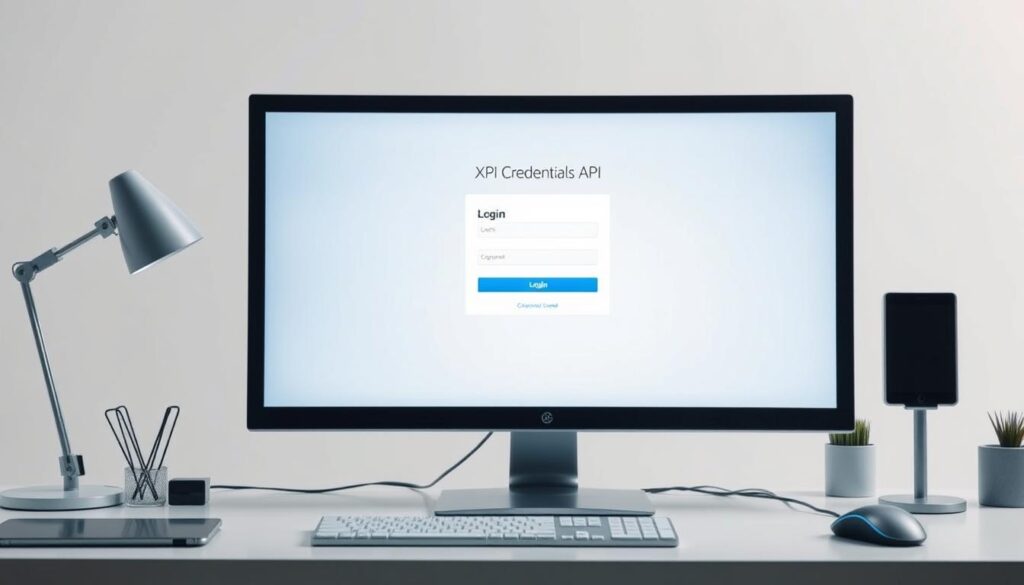
To begin, you need API credentials. These are like special keys for your IPTV service. Reach out to your IPTV provider to get your unique username and password. Keep them safe – they’re key for your server connection.
Setting Up Your API Connection
With your API credentials in hand, it’s time to connect. Open IPTV Smarters Pro and go to the settings. Look for “Xtream Codes API” or something similar. Enter your username and password, then save your changes.
Testing Server Connectivity
After setting up your API connection, test your server connection. IPTV Smarters Pro often has a test feature. Click “Test Connection” or something like it. If it works, you’ll see a success message. If not, check your credentials and try again.
| Step | Action | Expected Result |
|---|---|---|
| 1 | Obtain API Credentials | Receive username and password |
| 2 | Enter Credentials in App | Successful save of information |
| 3 | Test Server Connectivity | Confirmation of connection |
By following these steps, you’re close to enjoying your IPTV service through Xtream Codes integration. If problems arise, your IPTV provider’s support team is ready to assist.
Configuring Your IPTV Smarters Pro Settings
Optimizing your IPTV Smarters Pro settings is key for a great streaming experience. Let’s explore the main settings to boost your viewing fun.
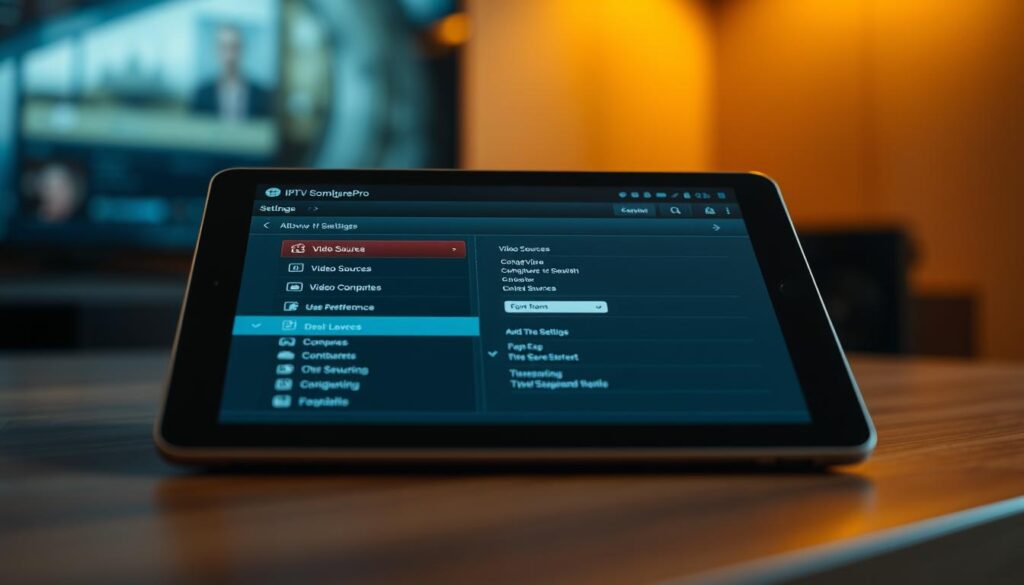
Begin by opening the app’s settings menu. Here, you can tweak your streaming quality. Adjust the video quality based on your internet speed. Choose higher resolutions for clear visuals on stable connections.
Buffer size is also important. Increase it for smoother playback on slower networks. Or, decrease it for quicker channel switching on faster connections. Find the perfect balance for your setup.
Enable hardware acceleration to use your device’s GPU for video decoding. This boosts performance, especially on newer devices. Also, toggle the option for external players if you prefer apps like VLC or MX Player for playback.
| Setting | Recommended Value | Impact |
|---|---|---|
| Video Quality | Auto / High | Balances quality and performance |
| Buffer Size | 5-10 seconds | Reduces stuttering |
| Hardware Acceleration | On | Improves decoding efficiency |
| External Player | Off (unless preferred) | Uses built-in player for consistency |
Customize the app’s look to make it comfortable for long viewing. Choose a theme that’s easy on your eyes. Also, enable notifications to keep up with new content and service updates.
Managing Live TV Streams and Channel Lists
IPTV Smarters Pro has great tools for managing channels, playlists, and EPG integration. Let’s see how to use these features to improve your streaming.
Organizing Channel Categories
Start with organizing your channels. Create groups like News, Sports, and Entertainment. This makes finding your favorite shows easy.
You can move channels around in these groups or make new ones. It’s all about what you like.
Custom Playlist Creation
Custom playlists let you customize your viewing. Here’s how to make one:
- Go to the ‘Playlists’ section in IPTV Smarters Pro
- Click ‘Create New Playlist’
- Name your playlist and pick channels
- Save and enjoy your own lineup
EPG Integration Methods
EPG integration adds program schedules to your streaming. IPTV Smarters Pro supports several EPG sources:
| EPG Source | Integration Method | Update Frequency |
|---|---|---|
| XMLTV File | Upload via FTP or HTTP | Daily |
| JTV Format | Direct input in app settings | Real-time |
| API-based EPG | Enter API URL in settings | Hourly |
Mastering these features will make your IPTV experience better. Try different setups and playlists to see what you like best.
Troubleshooting Common API Connection Issues
Using Xtream Codes API with IPTV Smarters Pro can sometimes cause problems. But don’t worry, these issues are common and can be fixed easily. Here are some tips to help you troubleshoot and get your streams working again.
Connection Error Solutions
Connection errors can really mess up your viewing experience. First, check if your internet is working. If it’s not the problem, try these steps:
- Verify your API credentials
- Restart your IPTV Smarters Pro app
- Clear app cache and data
- Check if your VPN is causing conflicts
Stream Buffering Fixes
Buffering can be really annoying. To fix it, try these tips:
- Lower video quality settings
- Close other bandwidth-heavy applications
- Use a wired internet connection if possible
- Update your IPTV Smarters Pro app
Authentication Problem Resolution
If you’re having trouble with authentication, follow these steps:
- Double-check your username and password
- Ensure your subscription is active
- Try logging out and back in
- Contact your service provider if issues persist
| Issue | Possible Cause | Solution |
|---|---|---|
| Connection Errors | Incorrect API credentials | Verify and re-enter credentials |
| Buffering Issues | Slow internet connection | Optimize network or lower video quality |
| Authentication Problems | Expired subscription | Renew subscription or contact provider |
Most API connection problems are easy to solve. With these tips, you’ll be watching your favorite shows again in no time.
Conclusion
You’ve now unlocked the power of Xtream Codes API for IPTV Smarters Pro. This combo brings exciting benefits to your live TV streaming setup. By mastering API integration, you’ve opened doors to a world of customized channel lists and smooth playback.
Remember, IPTV Smarters Pro optimization is key to getting the most out of your streaming experience. With your new skills, you can tackle common issues like buffering and connection errors. You’re well-equipped to create personalized playlists and organize channels just the way you like.
The IPTV landscape is always evolving, and you’re now at the forefront. As you apply these Xtream Codes API benefits, keep exploring new features and updates. Your streaming adventures are just beginning, and the future looks bright for IPTV enthusiasts like you.
FAQ
What is Xtream Codes API?
Xtream Codes API is a tool for integrating IPTV services. It works with apps like IPTV Smarters Pro. It lets you access live TV channels and content easily.
How do I obtain API credentials for Xtream Codes?
To get API credentials, contact your IPTV service provider. They will give you a username, password, and server URL. These are needed for setting up your API connection in IPTV Smarters Pro.
What are the system requirements for IPTV Smarters Pro?
IPTV Smarters Pro works on many devices. Android users need Android 4.4 or higher. iOS users need iOS 9.0 or later. Windows users need Windows 7 or newer.
Also, a stable internet connection with at least 5 Mbps download speed is recommended for smooth streaming.
How do I set up the API connection in IPTV Smarters Pro?
Open IPTV Smarters Pro and go to “Settings.” Look for “Add Xtream Codes API” or “New User.” Enter your username, password, and server URL.
Then, click “Add User” or “Connect” to establish the API connection.
Why am I experiencing buffering issues with my streams?
Buffering can happen for many reasons. First, check your internet connection speed and stability. Try lowering the stream quality in IPTV Smarters Pro settings.
If the problem continues, it might be due to server load or distance. Try connecting to a different server if your provider offers multiple options.
How can I organize my channels into categories?
IPTV Smarters Pro imports channel categories automatically. However, you can create custom categories. Go to “Settings” and look for “Manage Categories” or “Custom Groups.”
Here, you can create new categories and add or remove channels as desired.
What is EPG and how do I integrate it?
EPG stands for Electronic Program Guide. It provides information about TV programs. To integrate EPG, you need an EPG URL from your IPTV provider.
In IPTV Smarters Pro, go to “Settings,” find the EPG section, and enter the provided URL. The app will then display program information for your channels.
How do I create a custom playlist in IPTV Smarters Pro?
To create a custom playlist, go to the “Settings” or “Manage” section in IPTV Smarters Pro. Look for “Create Playlist” or “Custom List.”
You can then select channels from your existing lineup to add to your new playlist. This feature allows you to group your favorite channels for quick access.
What should I do if I’m having authentication problems?
If you’re having authentication issues, first double-check your username, password, and server URL. If the problem persists, try clearing the app’s cache or reinstalling it.
It’s also possible that your subscription may have expired or there might be an issue on the provider’s end. Contacting your IPTV service support team is a good idea.
Can I use Xtream Codes API with multiple devices?
The ability to use your Xtream Codes API credentials on multiple devices depends on your IPTV service provider’s policies. Many providers allow usage on a limited number of devices simultaneously.
Check with your provider to understand their specific terms and conditions regarding multi-device usage.